A laptop power bank is a different product from a phone power bank. This guide shows you how to match the watts, the capacity and the cable so the laptop actually charges.
Check your laptop charger
The easiest way to find the watts you need is to read the label on your original charger. Thin laptops often use 45W to 65W. Larger models use 90W to 140W.
Match the watts
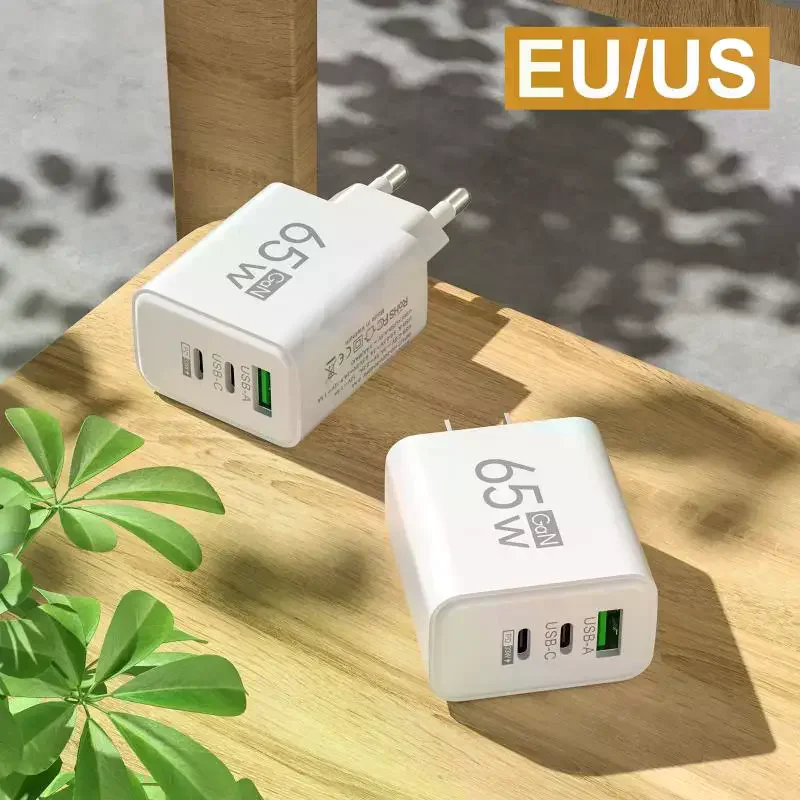
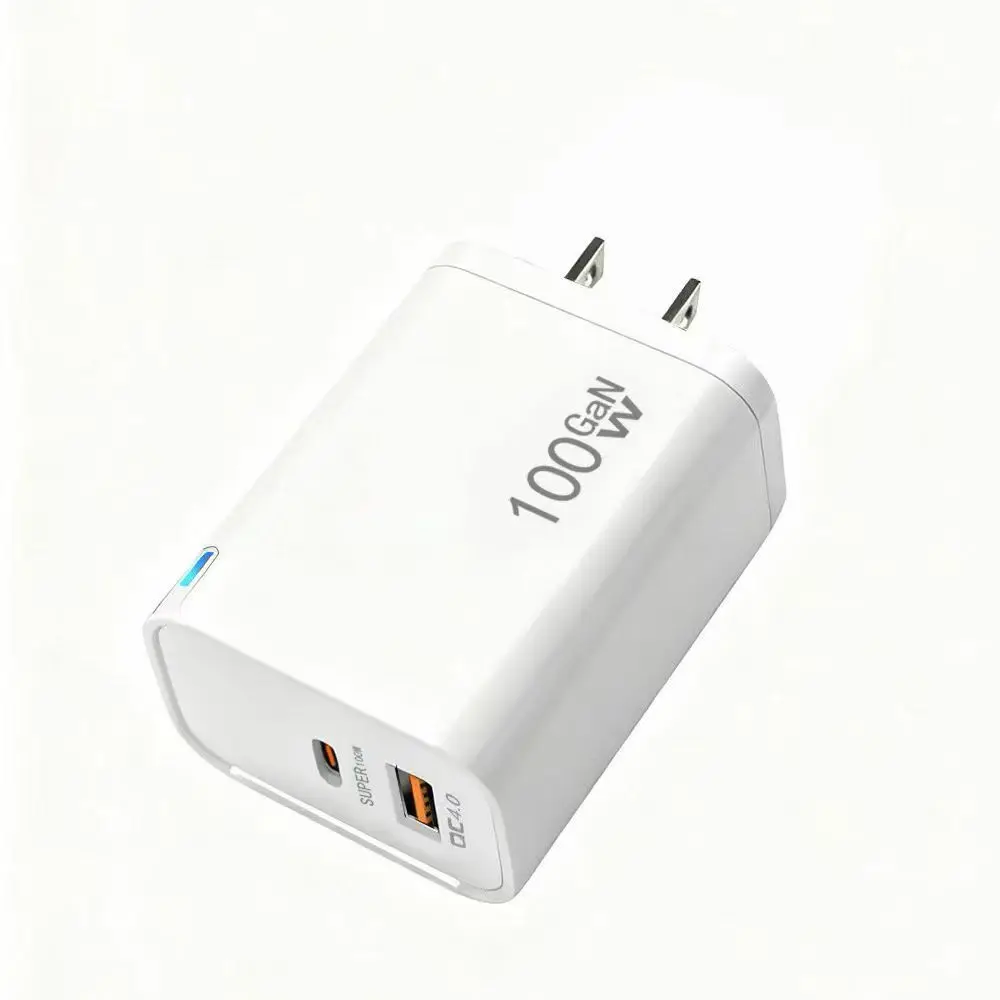
A power bank can charge a laptop slowly with fewer watts, but it may not keep up with heavy use. For comfort, choose a power bank whose USB-C PD output matches or exceeds your charger.
Capacity and Wh
A laptop battery is often 50Wh to 70Wh. A 20,000 mAh power bank is about 74Wh before losses, so it gives less than one laptop charge. A 27,000 mAh unit is about 100Wh and is the largest size accepted by most airlines without approval.
Cable and ports
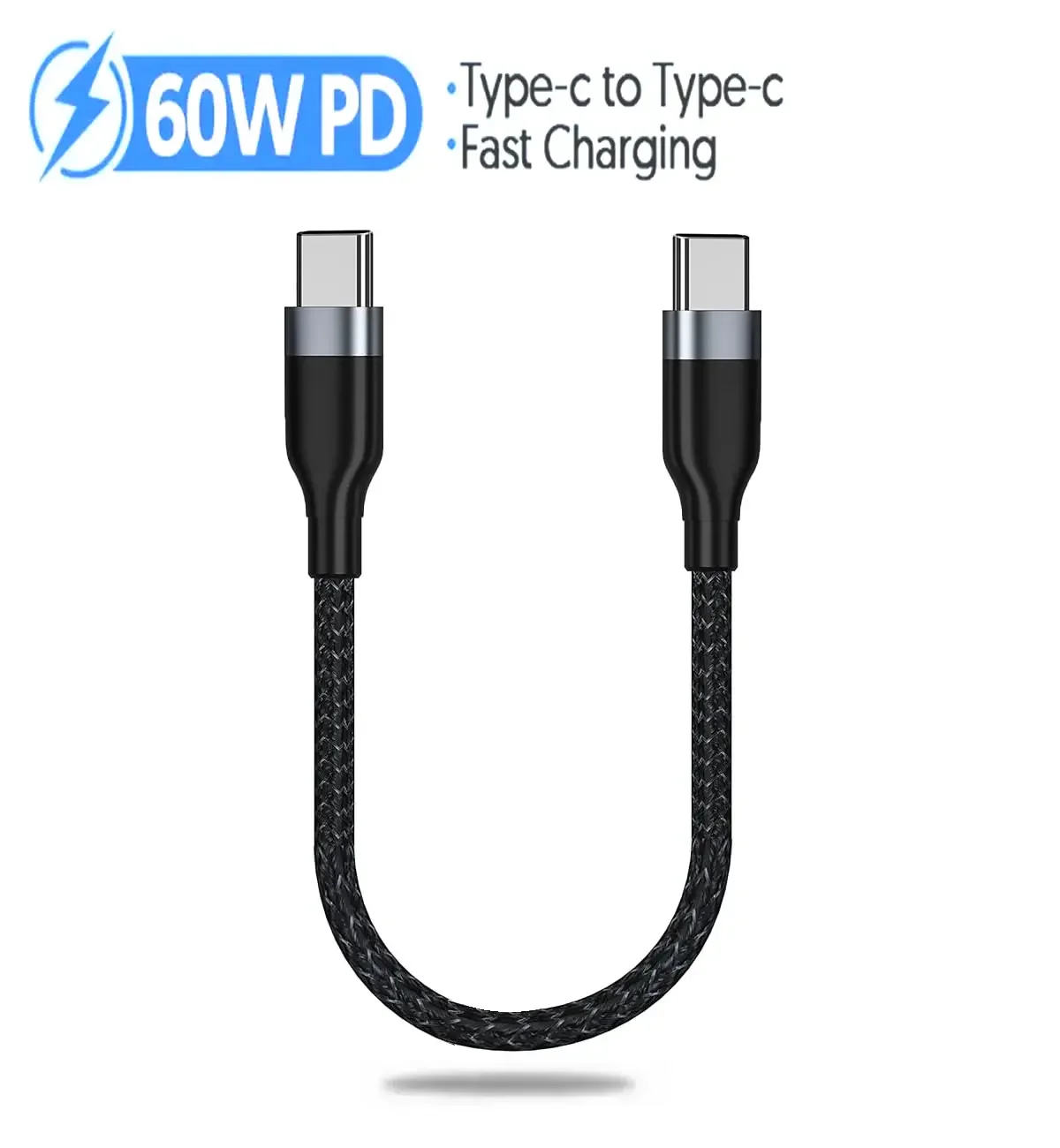
Use a USB-C cable rated for the watts. Check how the power bank splits power when you charge a laptop and a phone together.
Weight and travel
High-output power banks are heavy, around 500 g or more. If you travel, make sure the Wh rating is within the airline limit.
Frequently asked questions常見問題
Can a power bank charge a MacBook Air?
Yes, with a PD USB-C port rated at 30W or more, though 65W is more comfortable.
Can I charge a gaming laptop?
Most gaming laptops need much more than 100W, so a power bank will not keep them running at full power.
Which is more important: watts or mAh?
Watts first, because a power bank that cannot supply enough watts will not charge the laptop properly. Then choose capacity.